Pre/Post-Processing
Calculix uses the Abaqus .inp format for input files. The results are stored in .frd files which can be converted to .vtk format.
To convert .frd files to .vtk files:
cd FENGSim/starter/ccx/Mesh1
python3 ./../../../toolkit/MultiX/extern/Calculix/ccx2paraview/ccx2paraview.py modal.frd vtu
python3 ./../../../toolkit/MultiX/extern/Calculix/ccx2paraview/ccx2paraview.py modal.frd vtk
For more details about the ccx2paraview converter, please refer to its README.md file.
Formats
From .xml and .msh to .inp
The xml2inp.py script converts configure.xml and a mesh file (all.msh from CGX or all2.msh from Gmsh) into a single modal2.inp file.
xml2inp.py removes line and face elements from the .msh file.
To convert .xml and .msh to .inp:
cd FENGSim/starter/ccx/Mesh1
python3 xml2inp.py
input .xml file: configure
.xml file is configure.xml
input .msh file: all2
.msh file is all2.msh
./../../../toolkit/MultiX/extern/Calculix/bin/ccx_2.21 modal2
python3 ./../../../toolkit/MultiX/extern/Calculix/ccx2paraview/ccx2paraview.py modal2.frd vtk
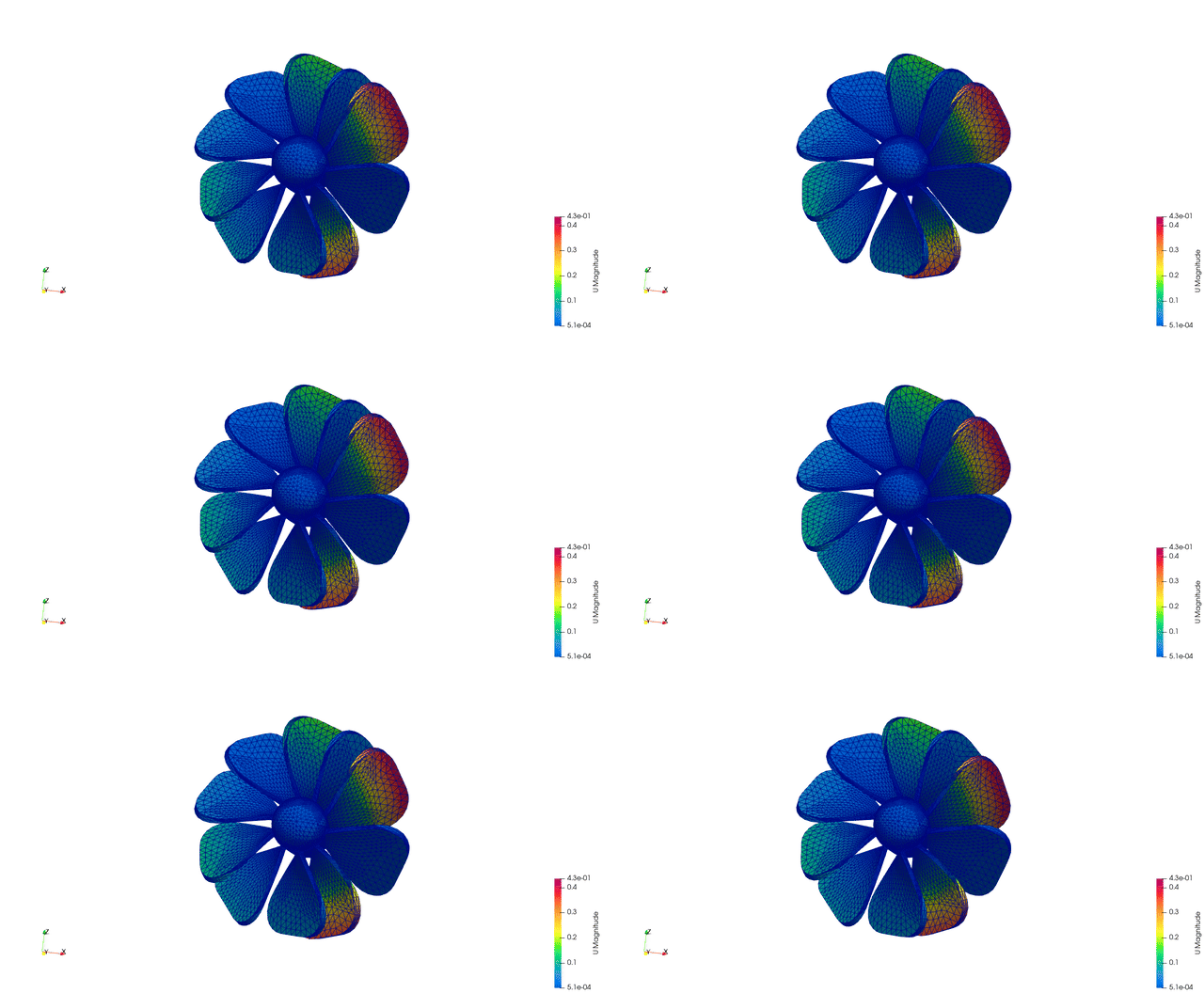
From .xml and .msh to .inp (with boundary conditions)
Gmsh automatically assigns unique IDs to all geometric sets. Gmsh also defines physical groups for boundary conditions and materials, as shown in the figure below.
To create the model with physical groups by scripts:
cd FENGSim/starter/ccx/beam
gmsh beam
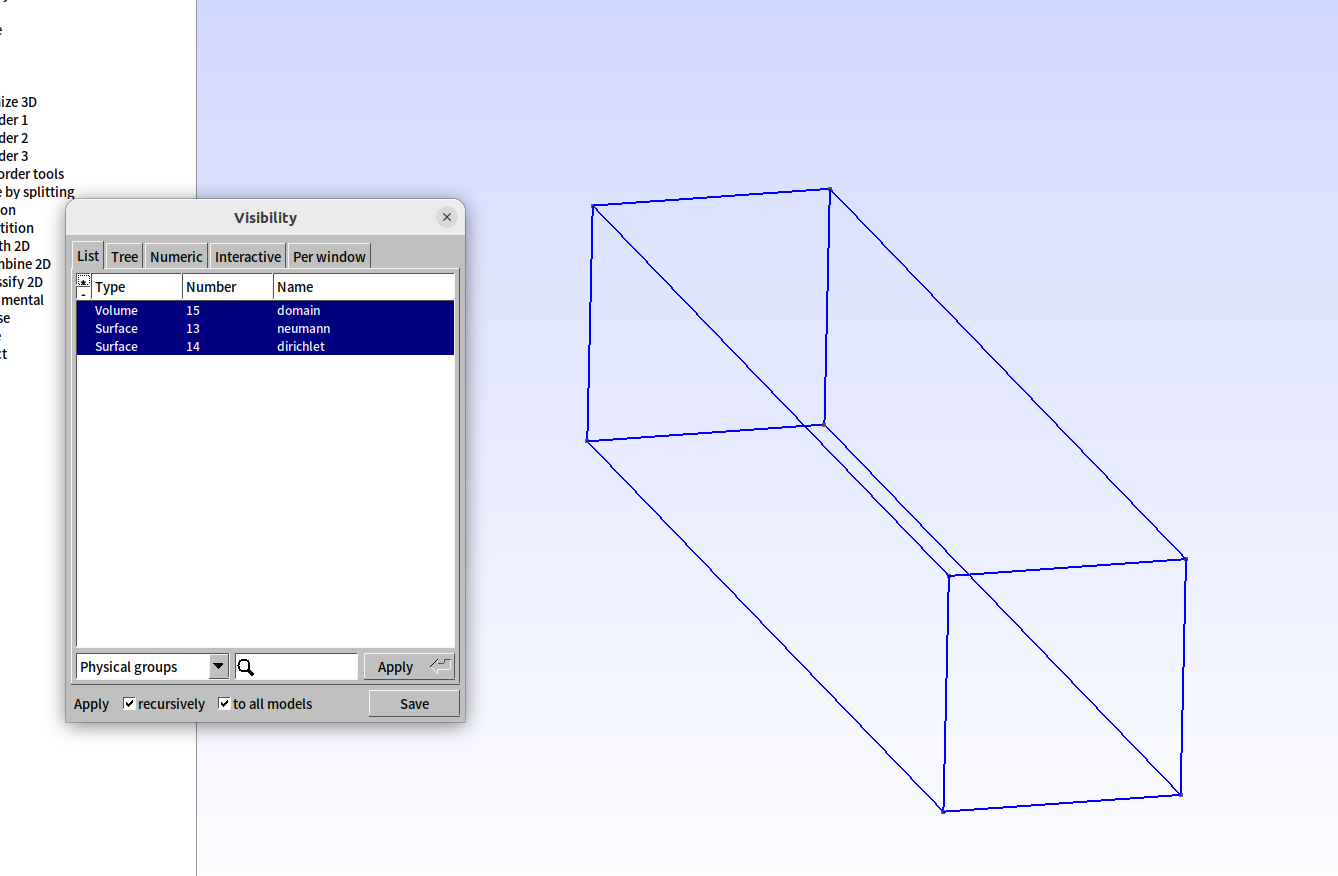
Since boundary conditions are defined on node sets, the option “Save groups of nodes” is choosed to export .inp files, as shown in the figure below.
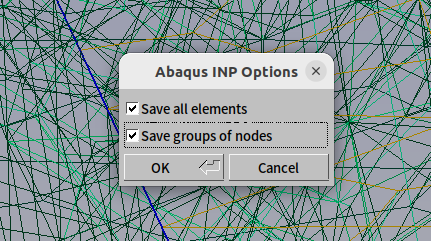
To convert .xml and .msh to .inp:
cd FENGSim/starter/ccx/beam
python3 xml2inp.py
input .xml file: configure
.xml file is  configure.xml
input .msh file: all
.msh file is  all.msh
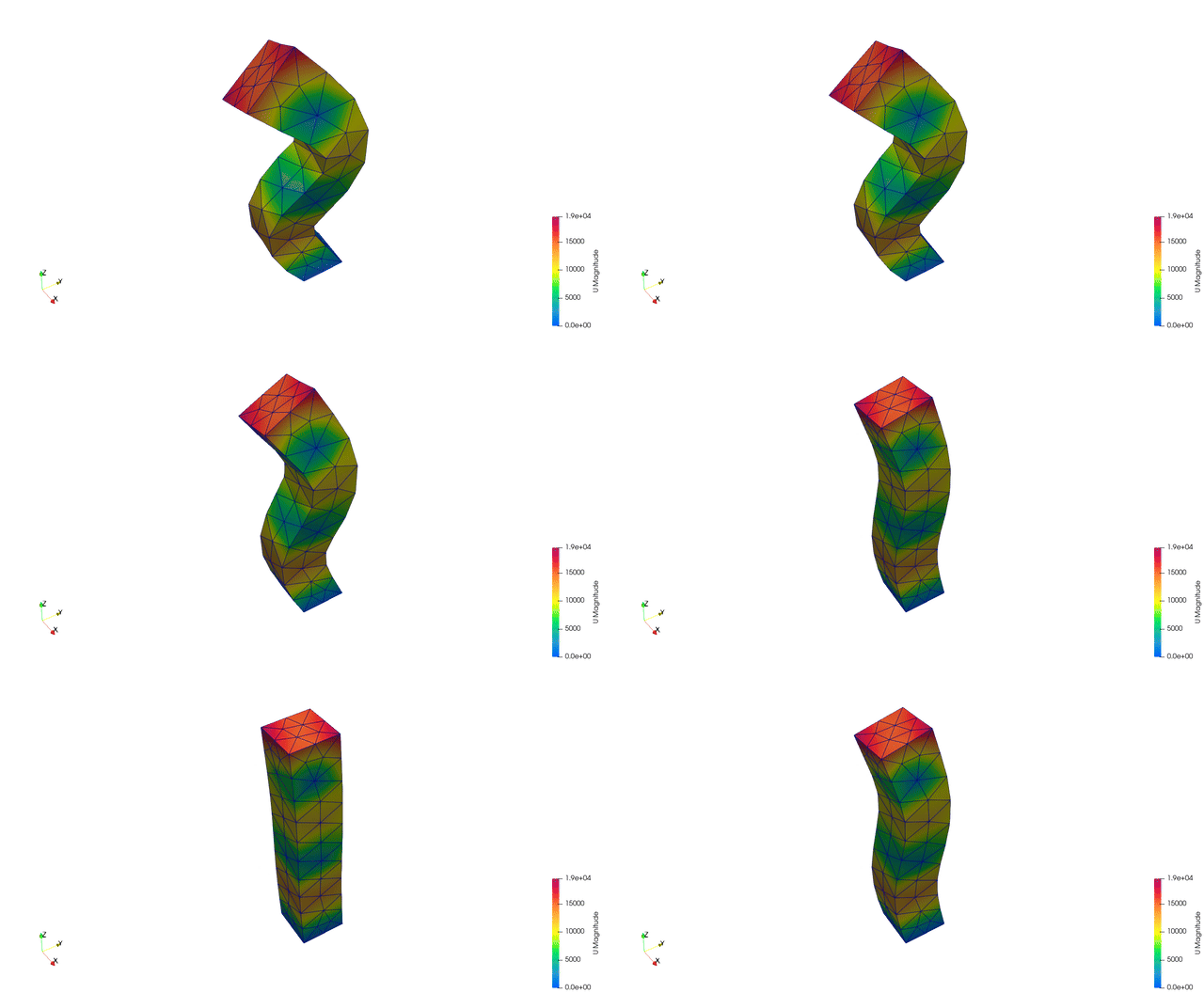
./../../../toolkit/MultiX/extern/Calculix/bin/ccx_2.21 modal
python3 ./../../../toolkit/MultiX/extern/Calculix/ccx2paraview/ccx2paraview.py modal.frd vtk
From .xml and .dat to .inp
The dat2inp.py script converts configure.xml and oiltank.dat into a single modal.inp file.
To convert .xml and .dat to .inp:
cd FENGSim/starter/ccx/oiltank
python3 dat2inp.py
input .xml file: configure
.xml file is configure.xml
input .dat file: oiltank
.msh file is oiltank.dat
./../../../toolkit/MultiX/extern/Calculix/bin/ccx_2.21 modal
python3 ./../../../toolkit/MultiX/extern/Calculix/ccx2paraview/ccx2paraview.py modal.frd vtk
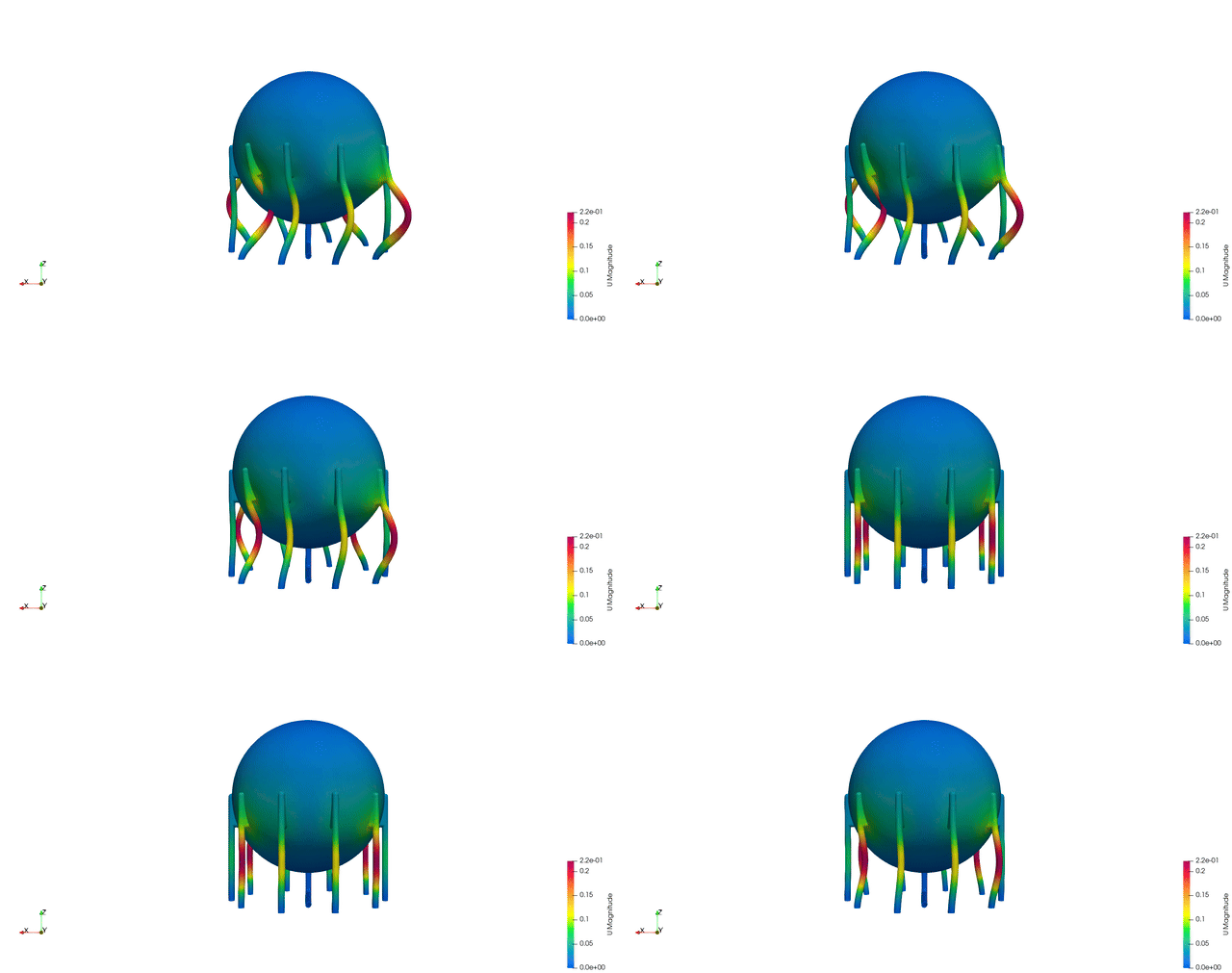
The .dat file format is defined as follows:
Line 1: The number
31276represents the total number of vertices, and99818represents the total number of cells.Line 8:
sphere_tankis the name of a cell group, and56644is the number of cells in this group.Line 12:
outer_surface_nodesis the name of a vertex group, and9247is the number of vertices in this group.Other lines follow a similar pattern.
3 4 31276 99818
1 -8315 2.55536e-12 0
......
31276 8315 0 10850
1 59 2 1 98
......
99818 31180 31223 31222 31179
8 sphere_tank 56644
2601
.....
97218
7 outer_surface_nodes 9247
788
.....
30489
7 inner_surface_nodes 8317
862
.....
30415
7 fixed_nodes 200
1
.....
31222
8 guandao 2866
47324
.....
52495
8 support 40308
1
.....
99818
7 guandao_fixed_nodes 24
14829
.....
16488